How It Works Live Demo Features Camera HUD Hotkeys Pricing Contact
Download Windows .EXE
India's #1 Stealth Meeting Browser • 100% Invisible to Screen Share

Your Secret Weapon
for Every Meeting.

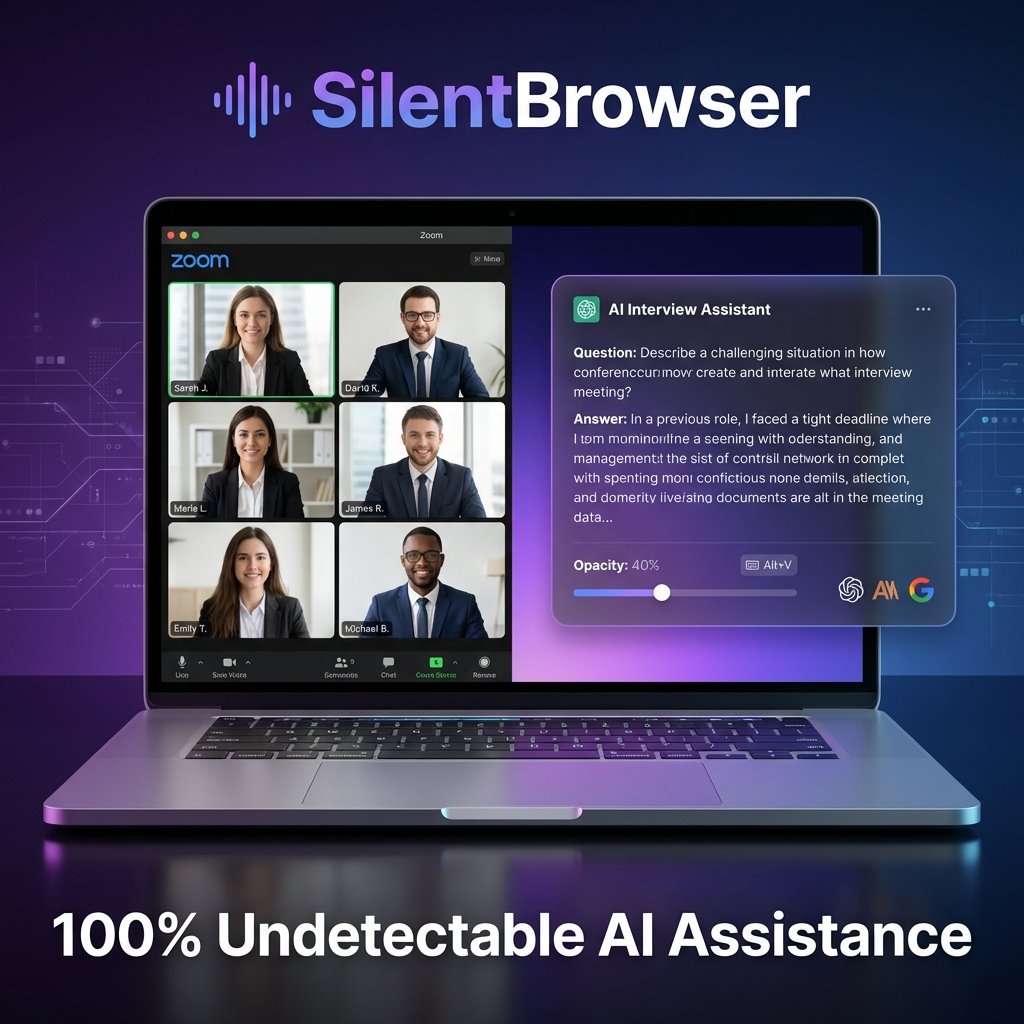
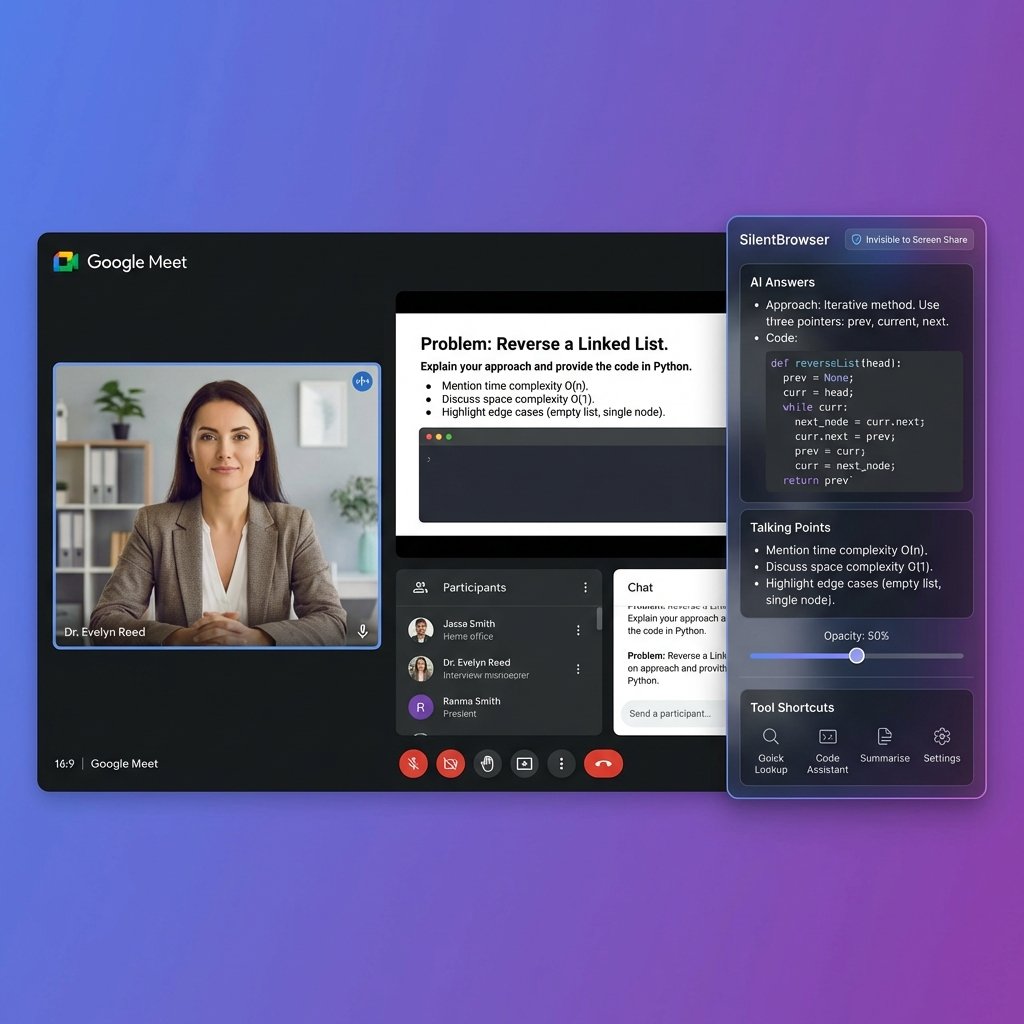
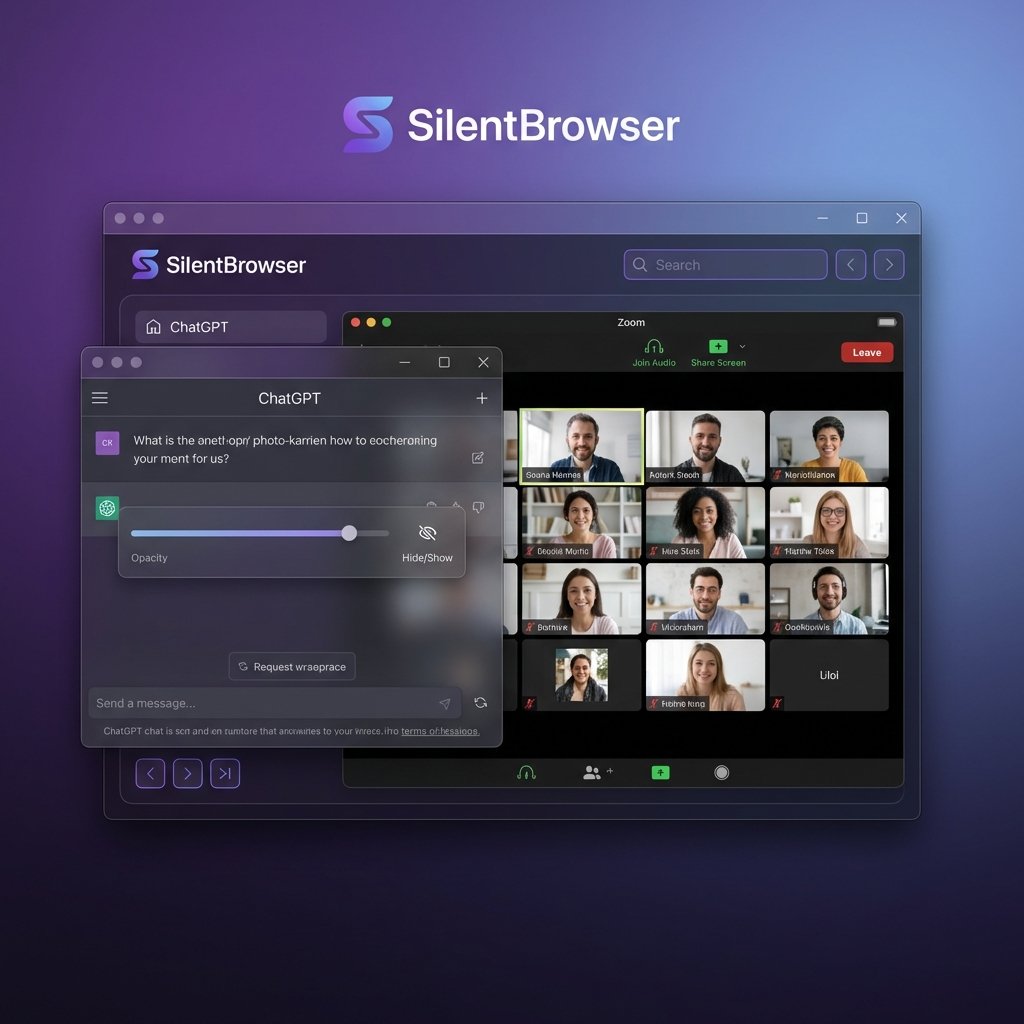
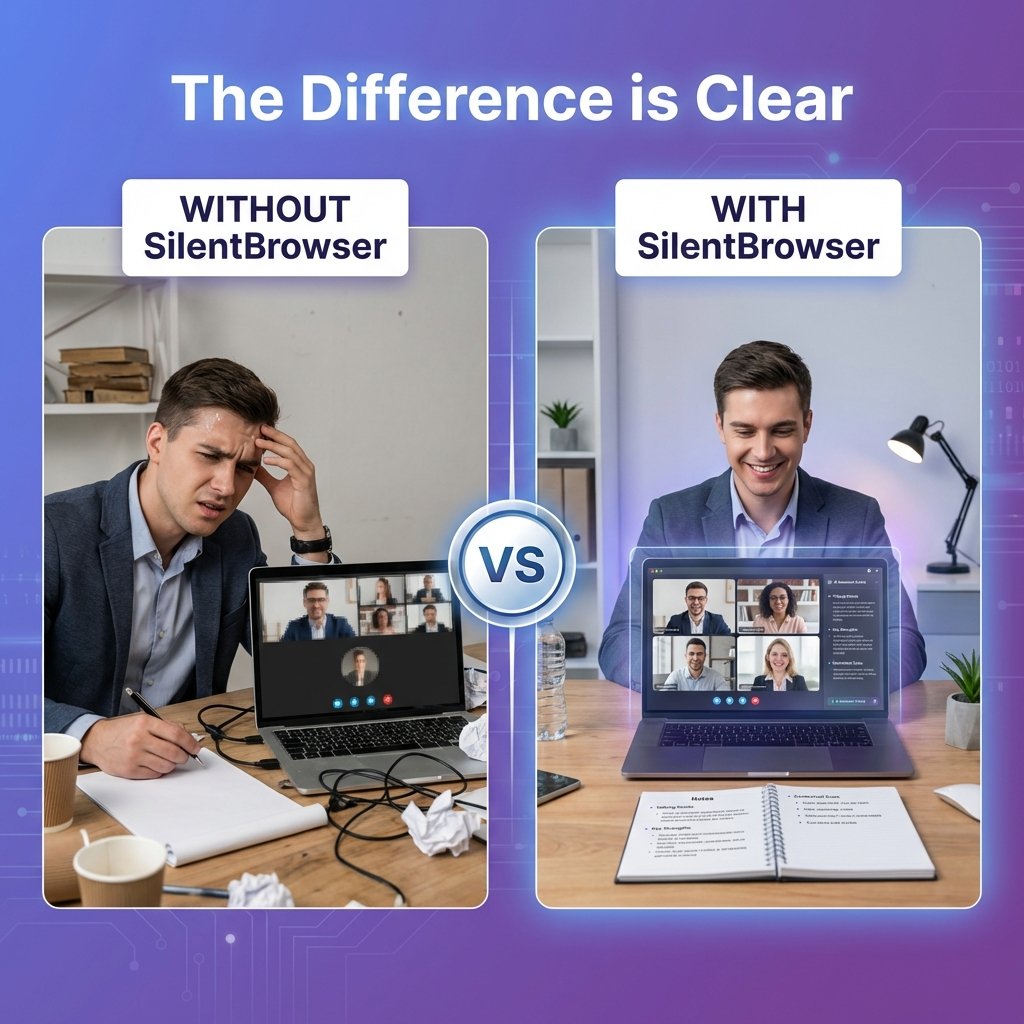
They see your presentation. You see your confidential notes, AI copilots, and live talking points — completely invisible to Zoom, Teams & Meet screen shares. Zero footprint. Total confidence.

Windows 10 & 11 (64-bit) 15-Min Free Trial Pre-activated Standalone .exe (~85 MB) No Sign-up Required
SilentBrowser — Stealth Meeting Suite
WDA_EXCLUDEFROMCAPTURE ACTIVE
SilentBrowser Stealth AI Meeting Suite
Verified Invisible On: Zoom Microsoft Teams Google Meet Discord OBS Studio
0+
Active Users
99.9%
Evasion Success Rate
5+
AI Platforms Integrated
<60s
Setup Time
Simple & Instant

Up and Running in 3 Steps

No installation wizards, no configuration files, no admin permissions. Just download, open, and you're protected.

1

Download & Launch

Grab the portable .exe (~85 MB). Double-click to launch — no install needed. Your 15-minute free trial starts automatically.

2

Open Your AI & Notes

Navigate to ChatGPT, Claude, Gemini, Google, or VS Code in built-in tabs. Load your reference notes, cheat sheets, or talking points.

3

Join Your Meeting

Share your screen on Zoom, Teams, or Meet. SilentBrowser is automatically invisible — your audience sees only your presentation.

Live Technology Demo

See the Stealth in Action

Toggle between what your audience sees vs. what you privately see on your screen during a live meeting.

AUDIENCE VIEW: 100% CLEAN — ZERO NOTES VISIBLE
0% Detection Risk
P
Q4 System Architecture Pitch.pptx
Slide 14 / 42
Architecture Milestone

Global Cloud Infrastructure & Distributed Resiliency

Seamless multi-region deployment across AWS eu-west-1 and ap-south-1 with automated failovers.

Core Technology

Built With Precision for High-Stakes Moments

Every feature is engineered to give you an unfair advantage while keeping you completely undetectable.

Display Affinity

Hardware Anti-Capture Protection

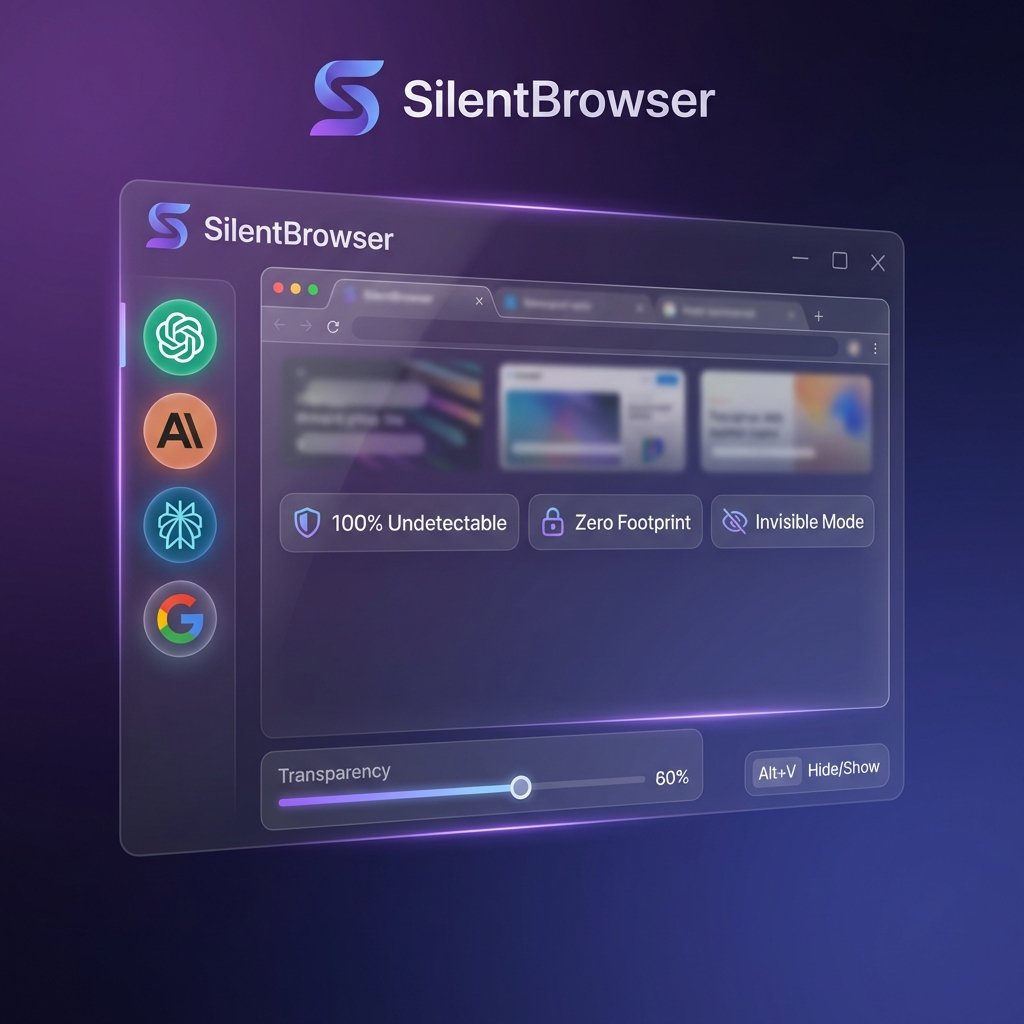
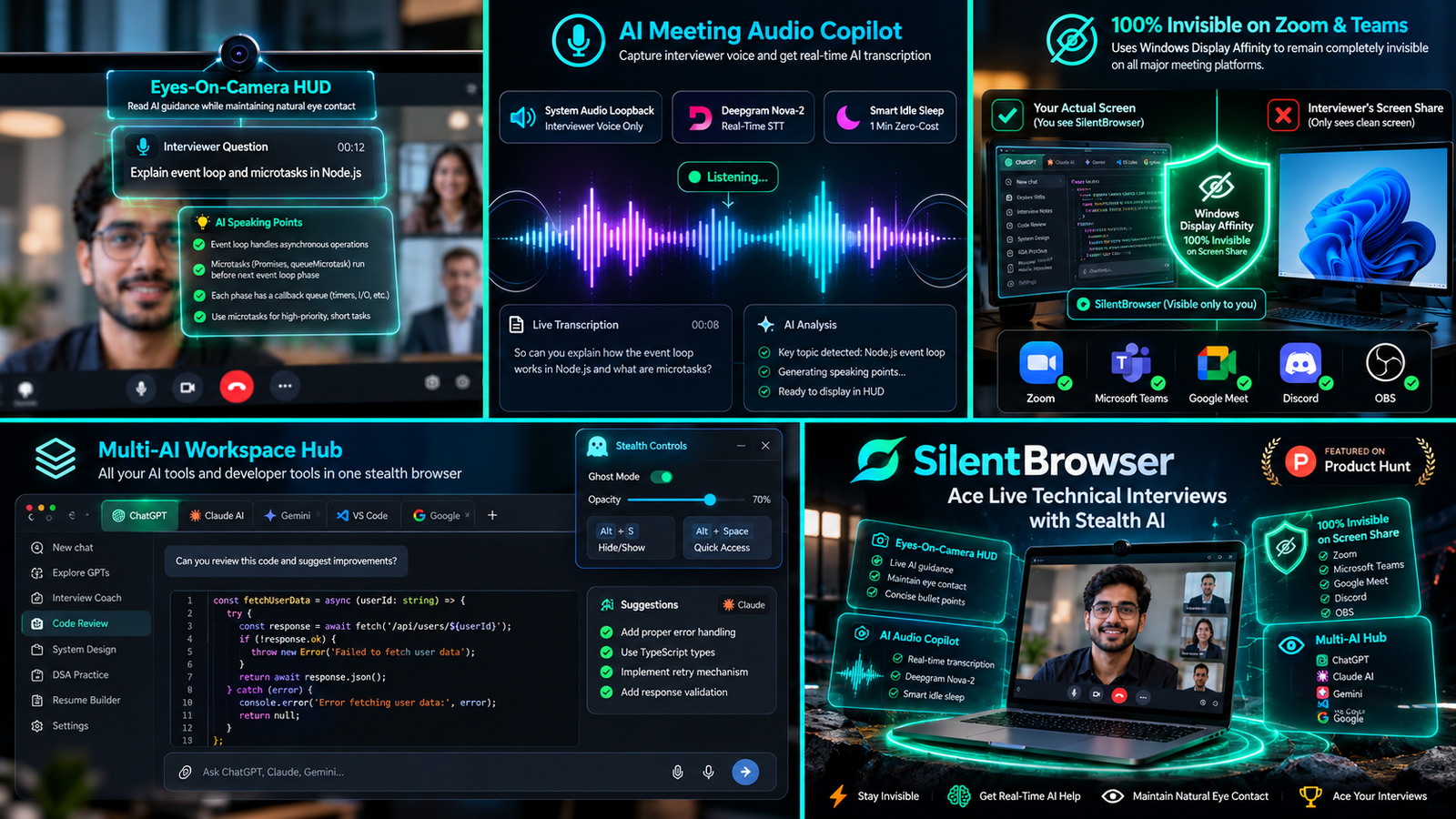
Uses Windows DWM's WDA_EXCLUDEFROMCAPTURE kernel flag to make SilentBrowser physically invisible to all screen capture engines — including Zoom, Teams, Meet, Discord, and OBS.

Camera HUD

Eyes-On-Camera Teleprompter

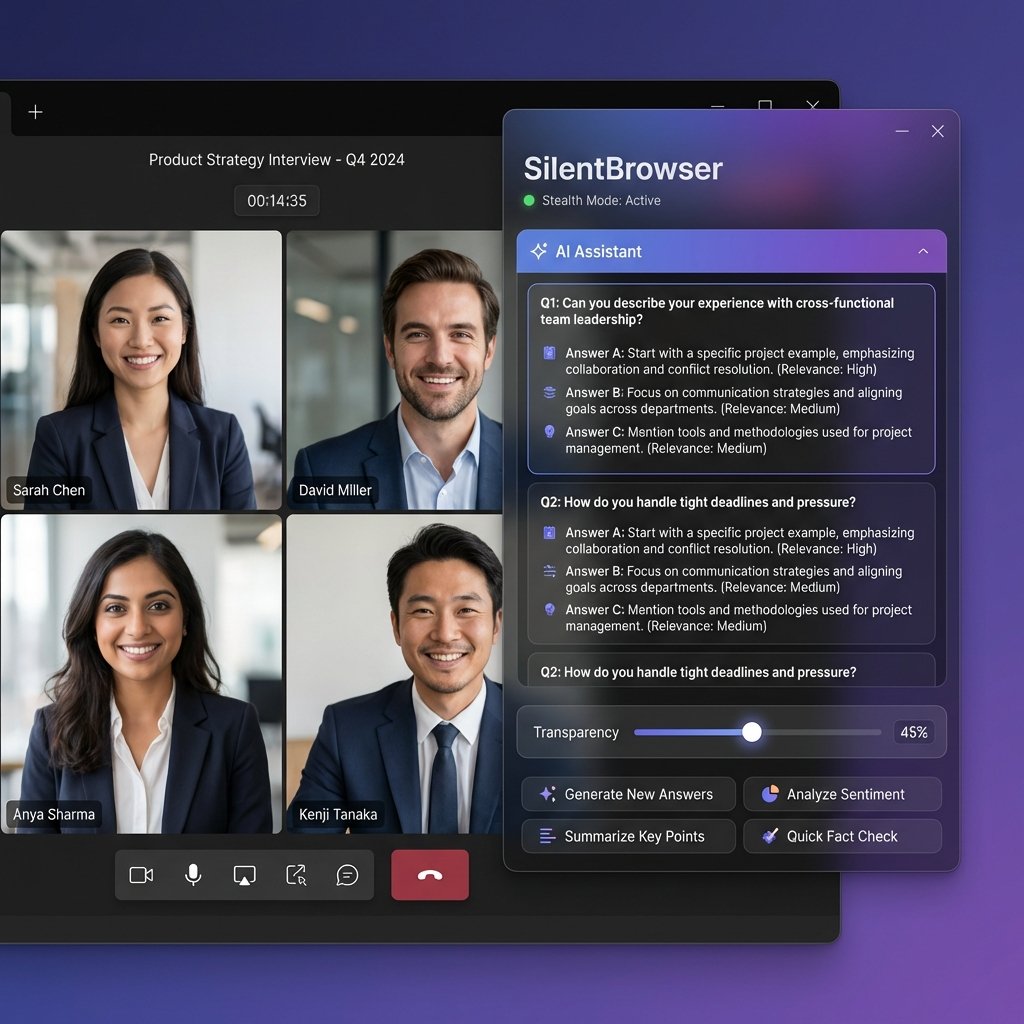
A transparent, always-on-top teleprompter window anchored directly beneath your webcam lens. Read AI talking points and notes while maintaining natural, direct eye contact — nobody notices you're reading.

Audio Intelligence

Meeting Audio Copilot

Captures your interviewer's voice directly from system audio loopback — zero ambient noise. Deepgram Nova-2 transcribes in real-time. Auto-sleeps during silence to save API credits, with circular RAM pre-roll buffer so no words are ever lost.

Multi-AI Hub

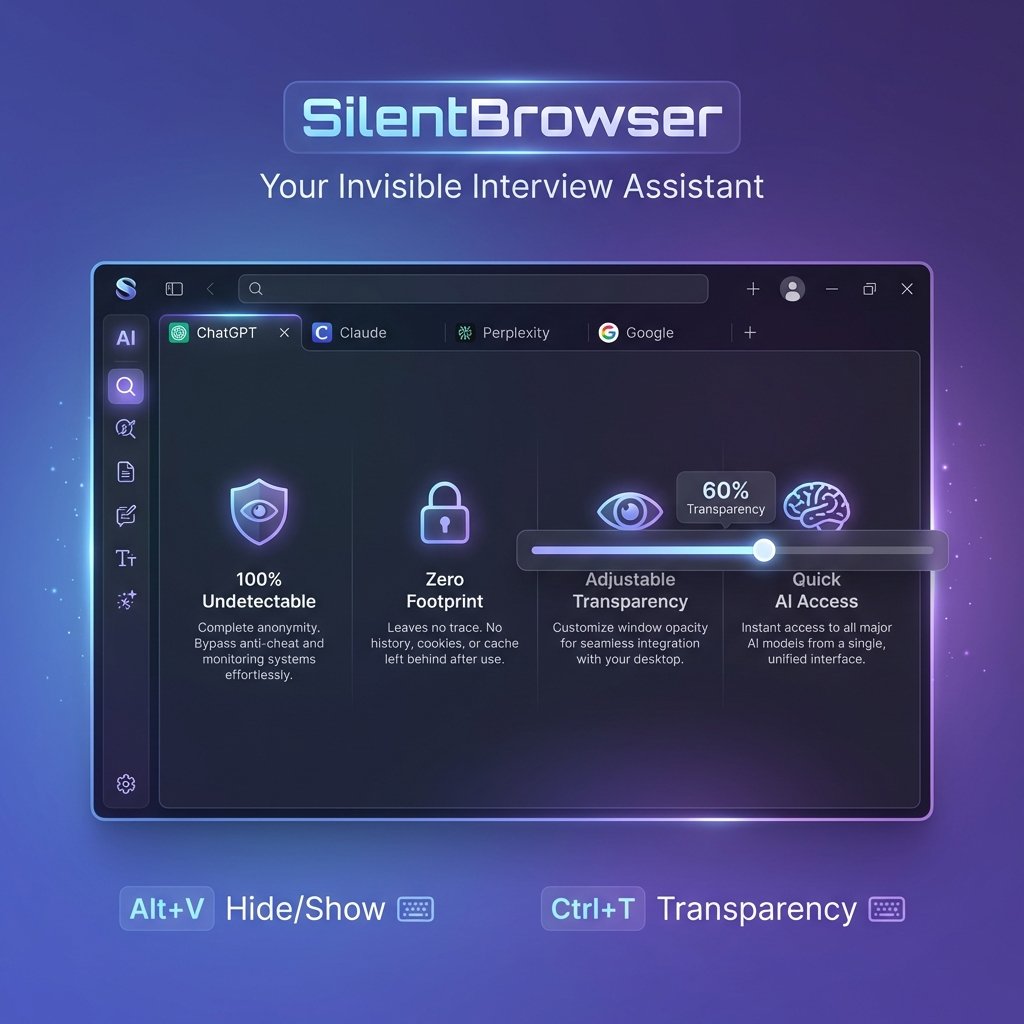
ChatGPT, Claude & Gemini Tabs

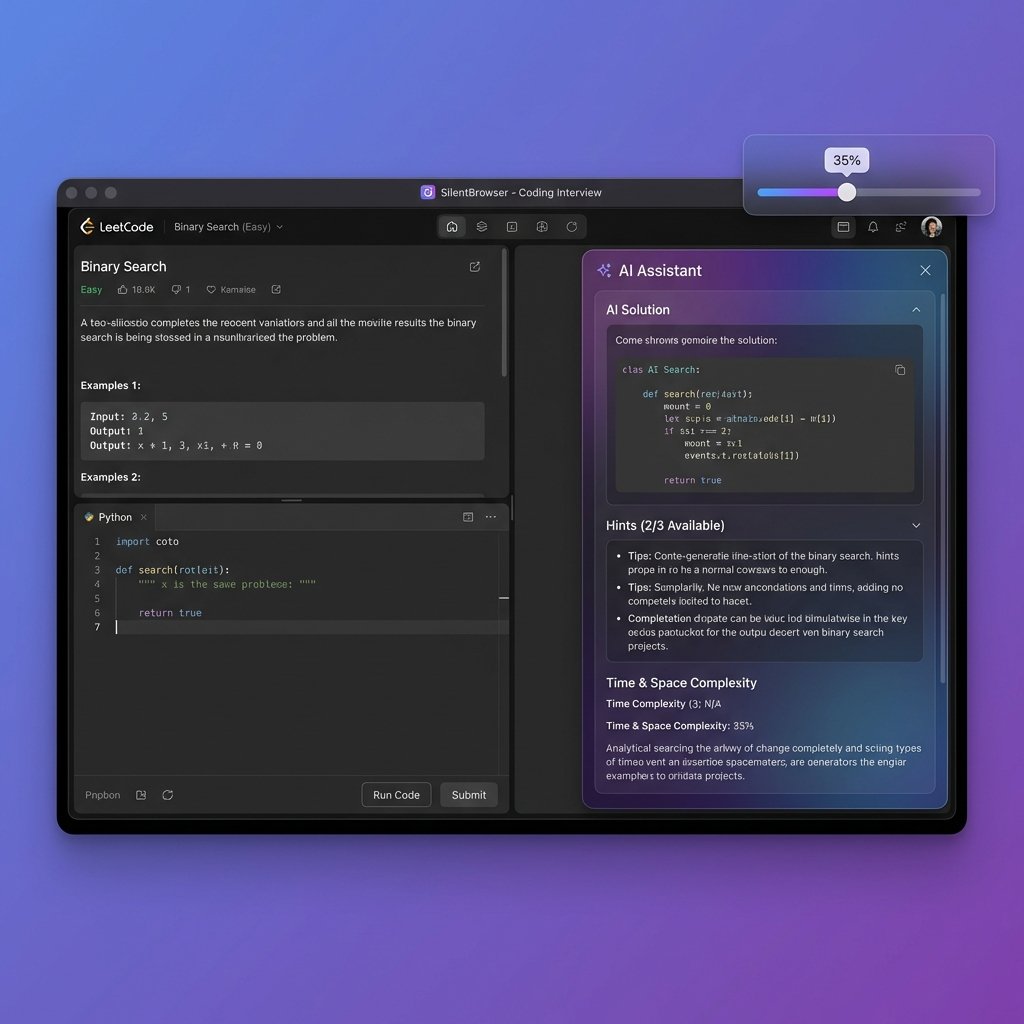
Persistent login tabs for ChatGPT, Claude AI, Gemini, Google, and VS Code. Live DOM scraper extracts AI answers and streams them directly into your camera HUD as concise bullet-point talking points.

Interactive Preview

Experience the Camera HUD

Click a sample interview question to see how AI responses are parsed into concise talking points directly under your webcam.

Live Teleprompter HUD
Direct Eye Contact Active
Interviewer Question:
"Can you explain the Node.js event loop phases and how microtasks are scheduled?"
AI Talking Points (Scraped):
  • • Microtask queue executes first: process.nextTick and resolved Promise callbacks run immediately before moving to the next phase.
  • • Libuv 6 Phases: Timers → Pending I/O → Idle/Prepare → Poll → Check (setImmediate) → Close callbacks.
  • • Non-blocking Architecture: Heavy CPU calculations must be offloaded to Worker Threads to keep the event loop responsive.
Zero-Latency Control

Master Every Action with Hotkeys

Globally registered shortcuts work even when SilentBrowser is in the background or ghost mode.

Toggle Camera HUD

Open/hide teleprompter
Alt + T

Audio Copilot

Start/pause loopback
Alt+Shift + A

Force AI Sync

Extract latest AI turn
Alt+Shift + S

Ghost Mode

Click-through overlay
Alt+Shift + H

Screenshot

Capture to clipboard
Alt + H

Panic Boss Key

Instantly hide window
Esc / Ctrl+Alt+X

Expand / Shrink

Resize window
Alt+Shift + ↑/↓

Adjust Opacity

Glass transparency
Alt+Shift + →/←

Switch AI Tabs

ChatGPT, Claude, Gemini
Ctrl + 1-5
Trusted by Thousands

What Our Users Say

Professionals across India trust SilentBrowser for their most critical meetings and interviews.

"Used SilentBrowser for my Google L5 system design round. Had Claude generating talking points in real-time while I maintained perfect eye contact. The interviewer complimented my clarity. Absolute game-changer."

RK
Rahul K.
Senior Software Engineer, Bangalore

"I present quarterly board decks to international stakeholders. SilentBrowser lets me keep confidential speaker notes and client data sheets open without any risk of screen share exposure. The HUD is revolutionary."

PS
Priya S.
VP of Strategy, Mumbai

"The audio copilot feature is insane. It captures the interviewer's exact question via system loopback, sends it to Deepgram, and then I paste it into ChatGPT — all while they're still talking. Worth every rupee."

AM
Amit M.
Full-Stack Developer, Hyderabad
Fair & Transparent

Simple Pricing, No Surprises

Every plan includes the full suite — hardware protection, camera HUD, audio copilot, and all AI tabs.

Instant Evaluation
15-Minute Trial
Free / pre-activated
  • Full Protection for 15 Minutes
  • Hardware Screen-Share Evasion
  • ChatGPT, Claude, Gemini Tabs
  • No sign-up or card needed
Download & Try Free
Extended Validity
Unlimited / Custom
Custom / Priority Support
  • Multi-Month & Lifetime Options
  • Priority Support & Updates
  • Custom Pre-roll Buffers
  • Team & Reseller Discounts
Contact Sales
Get Started in Under 60 Seconds

Ready to Own Every Meeting?

Download SilentBrowser now. No sign-up, no credit card. Experience hardware-level invisibility and the camera HUD immediately.

Connect With Us

Get Your License Key or Ask Anything

Reach out for access keys, technical compatibility, or custom team deployment.

Primary Support
support@silentbrowser.in
Business Inquiries
sales@silentbrowser.in
Average response under 15 minutes during business hours.

Send Instant Inquiry

Leave your details and we'll get back to you immediately.